
Running multiple niche brand identities from one login: a practical walkthrough
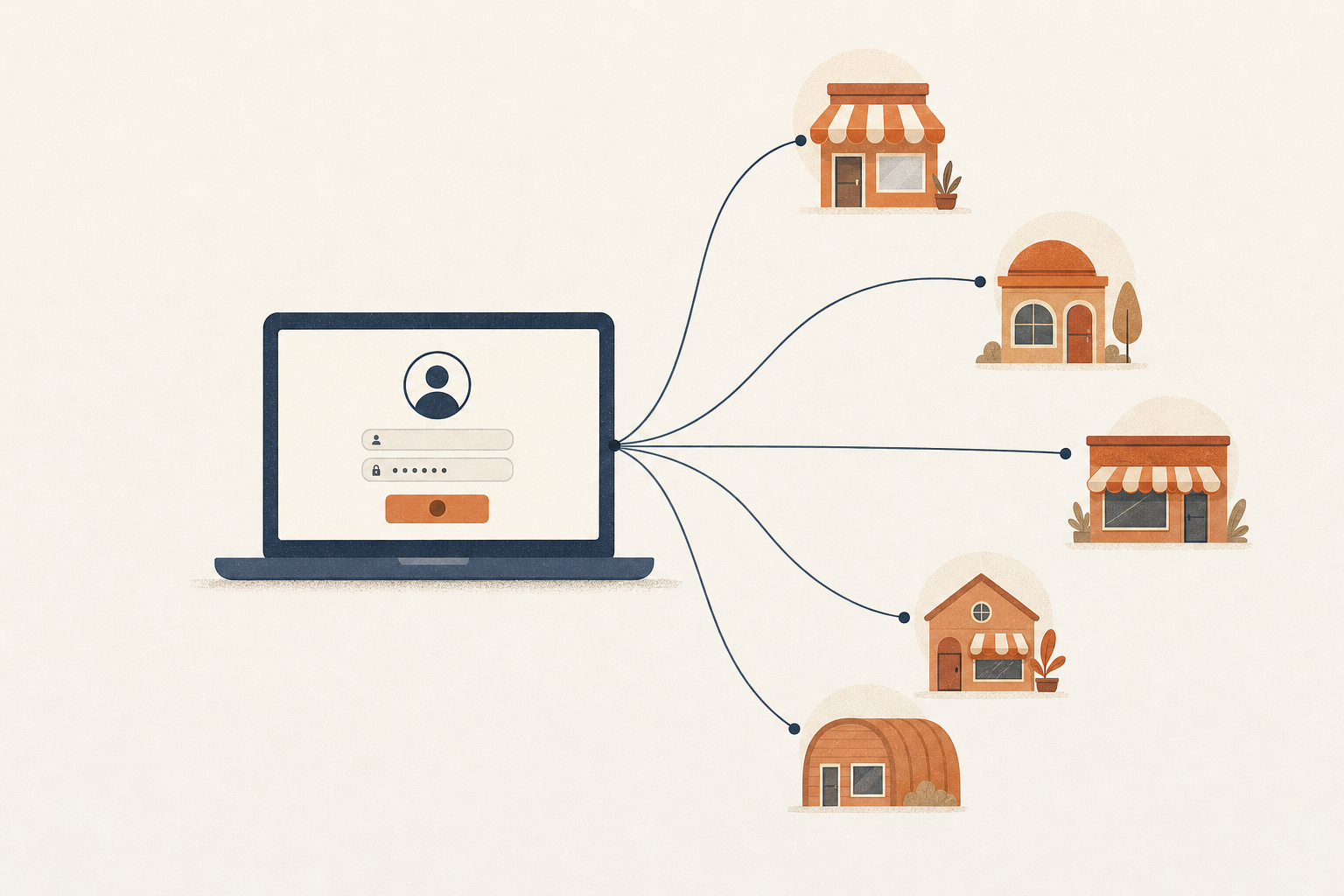
Riverside Group runs five food and beverage brands out of one small office: a coffee roastery, a taco truck fleet, a brewery, a bakery, and a juice bar. Five brands, up to 8 platforms each once you count everything. That's a lot of separate logins, if you're still running it the old way.
For a while, the person handling social for all five kept a dozen browser profiles open just to switch accounts without getting logged out every time. It worked, technically. It also burned 20 minutes a day on nothing but tab management. Then the whole operation moved into one workspace, with a tag for each brand, and the day changed shape.
Here's what an actual Tuesday looks like now.
The morning check
The day starts with one login, not five. Whoever's on shift opens the workspace and sees all five brands laid out as tags, filterable, instead of five separate accounts with five separate passwords to remember.
First stop is the shared calendar, viewed unfiltered so it shows every scheduled post across every brand for the day at once. Three posts are already queued: the roastery has a bean restock announcement going out at 8am, the brewery has updated taproom hours posting at 11, and the taco truck has a lunch-service location update scheduled for noon. Nothing's stacked on top of anything else. No two brands are fighting for the same slot, because the platform already checked that when each post was scheduled, well before it went live.
Then a quick look at the tag-gap panel. It flags that the juice bar hasn't had anything go out against its own tag in 4 days, while the other four brands are current. That's a useful thing to know at 8:15am, while there's still time to fix it, rather than at 4pm when the day's plan is already locked in. It goes on the list for later.
Switching brands without switching logins
The part that used to eat the most time was context switching. That's a mechanical problem more than a creative one: log out of the roastery's Instagram, log into the brewery's, remember which TikTok belongs to which brand, hope none of the passwords expired overnight.
None of that happens anymore. Every account across every brand lives in one workspace, tagged by which brand it belongs to. Clicking a tag filter switches context instantly. There's no separate login, no separate app, no waiting for a new session to load. The taco truck's Threads account and the bakery's Pinterest board sit in the same interface, one filter click apart.
This matters more than it sounds like it should. When switching brands is slow, people switch less often, batch things they shouldn't batch, and let weaker brands slide because even opening the account takes more effort than it's worth. Remove the friction and every brand gets checked on, every day, not just the one making the most noise that week.
One piece of content, five ways out
Midmorning, the marketing lead has a short video: a barista pulling a shot, slow motion, good light. It's usable footage, but it belongs to the roastery and nothing else. It gets tagged to the roastery, and from there the platform sorts out which of the roastery's connected accounts receive it: Instagram, TikTok, and Facebook, but not the roastery's LinkedIn, since a shot pour has no business showing up there.
Ten minutes later, a different clip lands: a wide shot of the whole Riverside kitchen prepping for Saturday's farmers market, taco truck and bakery staff working the same table. This one gets tagged to both brands. One upload, two captions written to fit each brand's voice, and it fans out to both tag groups' destinations without anyone re-uploading the same file twice or hand-picking accounts one at a time.
That's the mechanic worth naming here: tags on content and tags on accounts are two separate things, and the destination is whatever the two currently have in common. Add a sixth account to the taco truck's tag next month and it starts receiving posts from that tag the same day, automatically. Nobody has to remember to add it to a list, because there is no list, just a live intersection that gets recalculated every time something runs.
Where the rest of the content comes from
Not everything gets shot same-day. Riverside's photographer drops a batch of 40 images from last weekend's market into a shared Airtable base every Sunday night, one row per photo with a caption idea and a rough tag guess in the notes column. The workspace connects to that base directly, pulls the field mapping once, and the bakery's marketing person can browse the whole gallery inside the same interface she's already using for everything else, no exporting a zip file and re-uploading anywhere.
Tag resolution on import matches the notes column against the brand tags already in the workspace, catching aliases too, so "taco" or "truck" both land on the taco truck's tag without anyone typing the exact tag name by hand. Usage tracking flags which of those 40 photos have already gone out somewhere, so nobody accidentally reposts the same shot to the same brand two weeks running because it resurfaced at the top of a gallery scroll.
The midday content push
By noon there are 6 pieces of content queued across the 5 brands. This used to be the slowest part of the day, since it meant opening 5 separate tools, or 5 separate tabs of the same tool, and repeating every step once per brand.
Now it's closer to 20 minutes. Each caption gets written once, then trimmed or adjusted per platform where the length limit or hashtag convention is different. Scheduling itself respects each weekday's post cap without anyone tracking it by hand, so nobody has to remember that the brewery already has 2 posts queued for Thursday and shouldn't get a third stacked on top. If something would push a brand over its daily cap, the interface says so, in plain language, right there in the composer, instead of overbooking the day or dropping a post without telling anyone.
One of Monday's posts failed to publish the first time, a platform timeout on TikTok's side, nothing to do with anything Riverside did wrong. It retried on its own, with backoff between attempts, and went out clean about 4 minutes later. Nobody had to notice the failure, diagnose it, or manually resend anything. That kind of thing used to mean a post just never went out, discovered days later when someone happened to check the account and wondered where Monday's content went.
It's a small thing on any single day. Across a month of five brands posting daily, it's the difference between a calendar that's balanced on paper and one that's actually balanced once someone digs into it.
One inbox instead of five
Early afternoon is inbox time. Comments and DMs across Instagram and Facebook for all 5 brands land in one unified inbox, filterable by tag when someone wants to focus on a single brand, or left unfiltered when someone just wants to clear the whole queue in one sitting.
A few auto-reply rules cover the predictable stuff: someone asking about the taco truck's hours gets an instant, plain-English answer, someone asking whether the brewery ships gets pointed straight to the right page. The rules are written in plain sentences too, "if someone asks about hours, reply with our hours and a link," not a rules-engine dropdown menu nobody on the team wants to learn. Everything else gets a real reply from a real person, typed inline, without switching apps five times to figure out which brand a given comment even belongs to.
Every auto-reply gets logged in an audit trail, so if a customer ever pushes back on an automated answer, whoever picks up the thread can see exactly what went out and when, instead of guessing at what a bot might have said.
Threads, LinkedIn, and TikTok sit outside this inbox, because none of them offer a DM API worth building against yet. That gets stated plainly in the interface, not left as a confusing gap someone has to stumble onto and question later.
Glancing at the whole fleet's calendar
Late afternoon, before anyone signs off, there's one more look at the shared calendar. This time it covers the whole fleet at once instead of one brand at a time. It's the fastest way to catch a problem before it becomes one: a week where the bakery is heavy on Tuesday and thin on Friday, or a stretch where two brands are both leaning on the same format and the feed's starting to feel repetitive across the whole group.
This is the same day-occupancy map every other path already checks against, whether a post got there through manual scheduling, a bulk import, or an automation running in the background on its own schedule. One shared source of truth for what's going out when, across every brand, means nobody's cross-checking 5 separate calendars by hand just to make sure nothing collides.
What a boosted post looks like across a fleet
One thing that comes up most weeks: a post takes off organically and someone wants to put a little ad spend behind it. Last Tuesday it was the brewery's taproom video, already sitting well above its usual engagement by early afternoon.
The boost goes on the existing post itself, not a fresh ad built from scratch, so the paid reach and the organic reach stack on the same piece of content instead of splitting into two separate things with two separate comment sections. The audience for the boost comes from the tag the post is already carrying, since the brewery's tag maps to an audience definition that doesn't need to be rebuilt every time someone wants to run a boost. Fifteen minutes, and the video's back out in front of more people who were already primed to care about it.
Which niche pulled its weight today
End of day, before logging off, there's a 5-minute pass through tag-level performance. It's not a deep audit, just a gut check: which brand's tag is beating its usual baseline this week, which one's flat, which one's actually sliding.
This week the taco truck is up, most likely the farmers market clip carrying momentum into the days after it posted. The juice bar is still soft, which lines up with the gap the morning check flagged 8 hours earlier. The same tag drives both numbers: it decides where content goes out, and it's the lens performance gets measured through afterward, so a gap in the morning shows up as a dip by evening almost every time.
Why this only works as one system
None of this replaces judgment. Someone still decides what to shoot, what to say, and which brand a given piece of content belongs to. But the operational overhead around those decisions, the logins, the calendars, the inbox routing, the cap enforcement, used to eat hours that should have gone to the actual work of running five real businesses.
Riverside was right to split into 5 niche brands instead of running one broad account years before any of this existed. A taco truck customer and a taproom regular were never the same audience, and pretending otherwise on one account meant boring both of them half the time. The strategy was always sound. The gap was operational: keeping five identities moving at once without one of them slipping behind unnoticed because nobody had the time to check on it that day, until the numbers were the only thing left to tell the story.
A shared workspace, tags that mean the same thing across scheduling, inbox, and analytics, and one calendar everyone can actually see. That's the part that closed the gap. Five brands, one login, and a Tuesday that actually fits in a workday instead of spilling into the evening because nobody had time to check the fifth account. That's the difference between running a fleet on purpose and just juggling five small businesses that happen to share a back office.