
A social media agency's guide to scaling past 10 clients without hiring another account manager
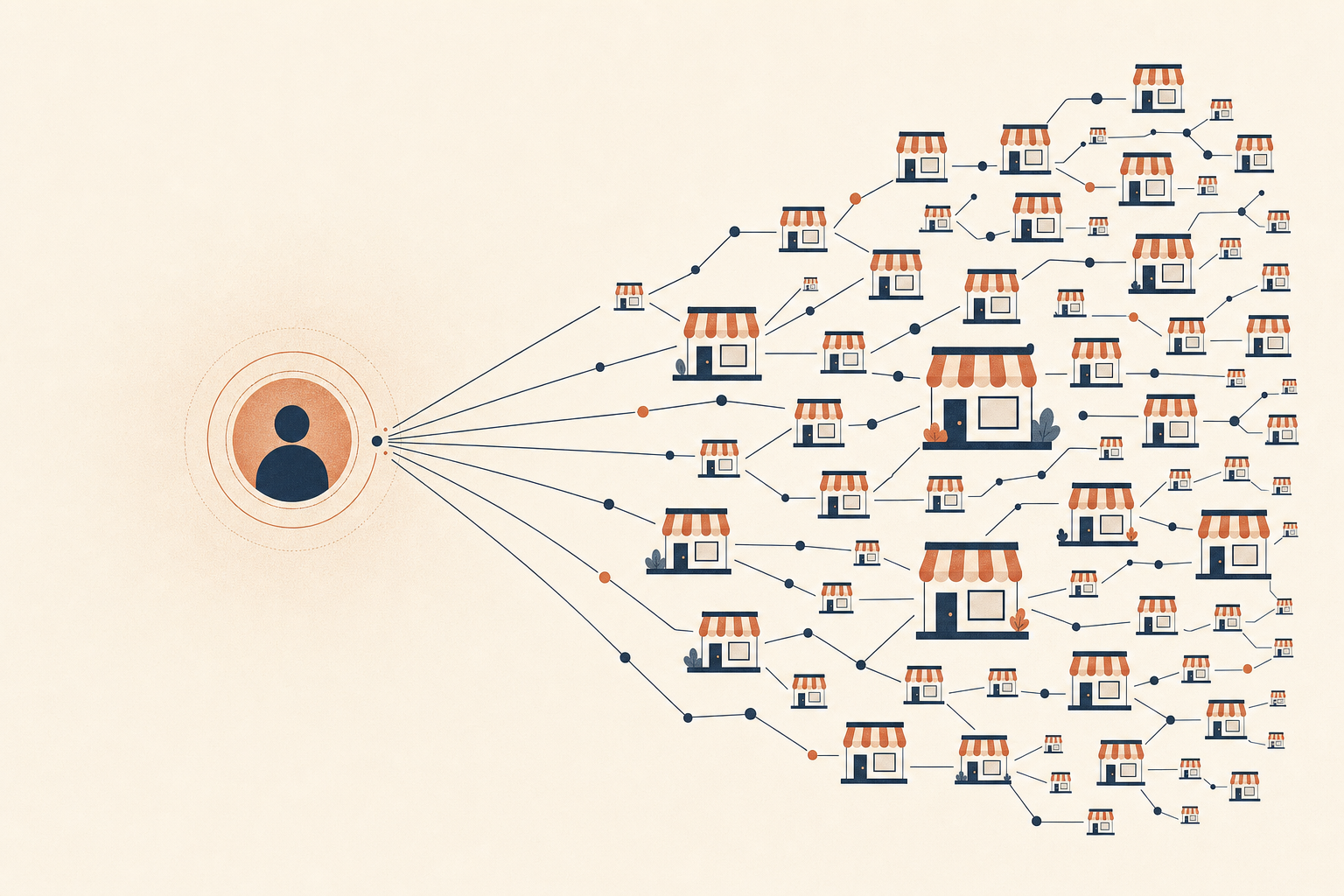
The math that breaks agencies around client 10
Every agency owner hits the same wall. You land your first few clients and things feel fine. You hire an account manager, they take on 5 or 6 clients, and the system works. Then you land client 11, and the math stops working. You either hire another account manager, or you make the existing one's week worse and hope nobody notices.
Neither option is great. A new hire costs you a salary before they've earned it back, and it takes weeks before they're contributing instead of learning where things live. Cramming more clients onto an existing person just moves the bottleneck around the same team, so the personal touch that got you the client in the first place starts to show up thin.
The question worth asking is whether the hours your account manager spends per client are fixed, or whether they can drop as client count rises. If they're fixed, every new client is a permanent cost forever. If they can drop, the math changes.
What 6 clients actually looks like on a Monday
Picture a competent account manager running 6 clients by hand. Monday starts with checking what's due to post that week across 6 different content calendars, probably in 6 different tabs of the same scheduling tool. Then captions. Each client's tone is a little different, so captions get written or adapted one at a time, no shortcuts.
Then destinations. Client A wants this post on Instagram and Facebook but not LinkedIn. Client B has 3 locations and this post is only for 2 of them. Getting that right by hand means remembering, or re-checking, which accounts belong to which campaign every single time.
Then scheduling conflicts. Did client A already have 2 posts go out Tuesday? Is client B's calendar about to get flooded because 3 different pieces of content all landed on the same day? Catching that takes a manual look at every calendar, every week.
None of this is hard work. It's a lot of small repeated decisions, and at 6 clients it fits inside a week. Barely.
Where the hours actually go
If you tracked an account manager's week honestly, the real split is original thinking versus repetition. Deciding what a client should post about next month is the part worth paying someone for. Rewriting a caption for the 4th time this quarter because the last one performed well and deserves another run is repetition, and repetition is where the hours disappear without anyone noticing.
Checking that a post is going to the right accounts isn't strategy either. Neither is manually confirming Tuesday isn't already full. These are checks, not decisions, and checks are exactly the kind of work a system should be doing instead of a person doing it from memory.
The account manager stuck at 6 clients isn't bad at their job. They're spending most of their week on work that has a correct, repeatable answer, which means it doesn't need a person re-deriving it fresh every time.
What automated reuse takes off the plate
A post that performed well 6 weeks ago is a good candidate to run again, with a fresh caption and a fresh hashtag mix so it doesn't read as a rerun. Doing that by hand means someone remembers it existed, pulls the old copy, rewrites it, and re-checks where it should go.
Automated reuse does the same job without a person starting from a blank page each time. The caption gets rewritten in a way that keeps the point of the original but doesn't just repeat it word for word. Hashtags rotate toward whatever's currently performing for that client instead of whatever was picked last time by feel. Destinations get pulled fresh from the client's current tag membership, so if they added a new location last month, the post already knows to include it.
The account manager's job shifts from doing the rewrite to approving it. That's a preview, a glance, and a decision, not 20 minutes of drafting. Multiply that across a week of reused content and you've bought back a real chunk of the week without touching the parts of the job that need an actual person.
Onboarding a new client shouldn't mean learning a new workflow
Part of what makes 15 clients feel impossible with 6 clients' worth of process is that every new client can arrive with its own quirks. Different spreadsheet layout, different naming convention, different mental model for who posts what where. An account manager fluent in client A's setup isn't automatically fluent in client B's.
A tag-based structure removes most of that. A tag applied to an account and a tag applied to a piece of content compute the destination automatically, every time something runs. A single-brand client gets one tag. A multi-location client gets one tag per location. Either way, the account manager is doing the same thing: tagging content, tagging accounts, and letting the system work out where it goes.
That consistency matters more as headcount grows. A junior account manager onboarded on client A already knows how to onboard client B, because the underlying pattern didn't change. You're not training people on 15 different systems. You're training them once on one system that happens to run 15 clients.
Failed posts shouldn't need a human fire drill
Platforms fail posts for reasons that have nothing to do with your content. A token expires mid-upload, a rate limit trips, an API has a bad 5 minutes. By hand, that means someone notices the post never went out, figures out why, and re-tries it manually, usually hours later when the ideal posting window has already passed.
Bounded automated retries with backoff handle the common case without a person noticing it happened at all. The post gets tried again a few times on a sensible schedule, and if it still won't go through, the account manager gets a clear reason instead of a silent gap in the calendar. That's one more category of "someone has to notice and fix this by hand" that stops eating hours.
At 6 clients, a failed post is a 10-minute annoyance once or twice a week. At 15 clients across 8 platforms each, that same failure rate by hand turns into a standing part-time job just watching for gaps. Automated retries keep it from scaling with client count at all.
A concrete illustration: running niche accounts under one roof
AppBuild, the no-code app builder, runs its own social accounts for a string of niche verticals: barbershops, restaurants, gyms, tattoo studios, and more. Each niche has its own voice, its own posting rhythm, and its own audience, but it's managed from one place with one set of habits rather than a separate improvised process per niche.
That's the same shape an agency is working with once you swap "niches" for "clients." The tools that make one team able to run a dozen distinct brand voices from a single workspace aren't a nice-to-have at that point. They're the difference between the workload growing in a straight line with every new account and the workload growing much slower than the account count.
An agency isn't AppBuild, and a client roster isn't a set of internal verticals. But the underlying problem, running many distinct voices without every one of them needing its own bespoke process, is the same problem, and it responds to the same fix.
Guardrails let a junior person carry real weight
The other thing that caps agencies at 10 clients is trust. A senior account manager can be handed 6 clients because they'll catch their own mistakes. A junior person handling the same volume is a bigger risk, so agencies either keep junior staff on a short leash or keep senior staff doing work that doesn't need their seniority.
That trade-off gets a lot less painful when the system itself catches the mistakes a junior person might miss. A shared day-occupancy map means nobody can flood a client's calendar by accident, whether they're scheduling one post by hand or running a bulk import. A cap is a cap regardless of who's doing the scheduling.
When something won't post cleanly, the system says so in plain English instead of failing and letting it slip past unnoticed. That single habit changes what a junior team member can be trusted with. The senior account manager stops needing to check every post before it goes out, because the system already does that check.
Per-seat pricing fights the exact growth you're trying to make
There's a quieter problem with scaling past 10 clients: most tools charge per seat or per connected account, which means adding headcount and adding clients both raise your bill in a way that's hard to predict and easy to resent.
A workspace-per-client, billed-per-tag-group structure separates those two things. Workspaces are free and unlimited, so spinning one up for a new client doesn't cost anything until you connect their accounts. The billed unit is the tag-group: roughly one niche or location bundled with its platform accounts, so your cost tracks the actual footprint of the work you're doing for a client, not the number of people logged in.
That matters when you're trying to add a junior account manager to help cover growth. Their login doesn't cost you anything extra. You're not paying a seat tax on the exact move that's supposed to be saving you money.
What 15 clients could look like instead
Take the same account manager from earlier, running 15 clients instead of 6. The Monday morning scan across calendars is one dashboard instead of a dozen tabs, because tag-based destinations mean the system already knows where everything goes. Reused content gets approved in a preview instead of rewritten from scratch. Scheduling conflicts get caught before they happen, not discovered on a Thursday when a client calls annoyed.
The hours that used to go to repetitive checks go to the clients that need an actual human decision this week: the client with a product launch, the client whose engagement dropped and needs a strategy shift, the client asking for a call. That's the work an account manager was hired to do in the first place, and it's the work that doesn't compress no matter how good the tooling gets.
No specific agency is guaranteed to hit 15 clients per account manager. Think of it as an illustration of where the ceiling moves when the repetitive part of the week gets handled by a system, and the account manager's time gets spent on the part that actually needs them.
It also changes what a bad week looks like. At 6 clients handled by hand, a bad week is one where 2 clients both need something urgent at once and the other 4 end up getting less attention than they should. At 15 clients with the repetitive load automated, a bad week is closer to 3 or 4 clients needing something urgent, which is still manageable because the baseline load per client dropped in the first place.
What still needs a person, no matter how good the system is
None of this replaces judgment. A system can catch a scheduling conflict or a missing destination, but it can't decide a client's brand voice has drifted, or notice a competitor just launched something worth reacting to. Strategy, client relationships, and creative direction stay human work, and they should.
What good tooling does is get the account manager out of the busywork so there's time left for the human work. If your team is spending most of the week on caption rewrites and calendar checks, that's a tooling problem wearing a headcount problem's clothes.
Before you post the next job listing for another account manager, it's worth asking a blunter question first: is the person you already have full of decisions, or full of chores? If it's mostly chores, hiring someone else just buys you a second person doing the same chores at the same pace. Fix the chores first, then see how many clients one good account manager can actually carry.